Movavi Video Editor 2026
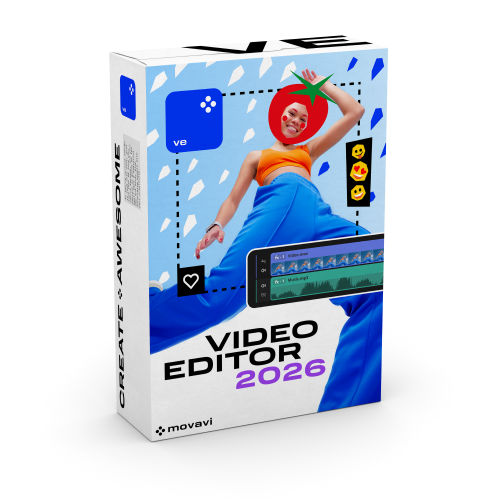
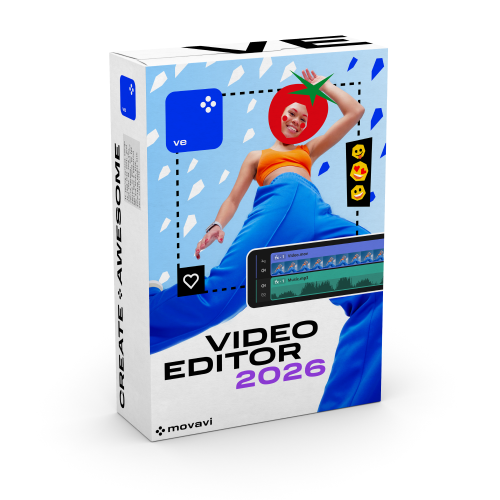
Movavi Video Editor 2026
- Students,
- Faculty,
- Staff
DESCRIPTION
Your simple yet powerful editor for creating wow videos. Create killer videos in a snap: stunning vlog episodes or short clips for socials, compelling videos for your business, touching family movies for your loved ones, and more. Choose from tons of built-in effects, power up your videos with AI, and polish the sound to create content that'll win hearts.
Timeline & Blade
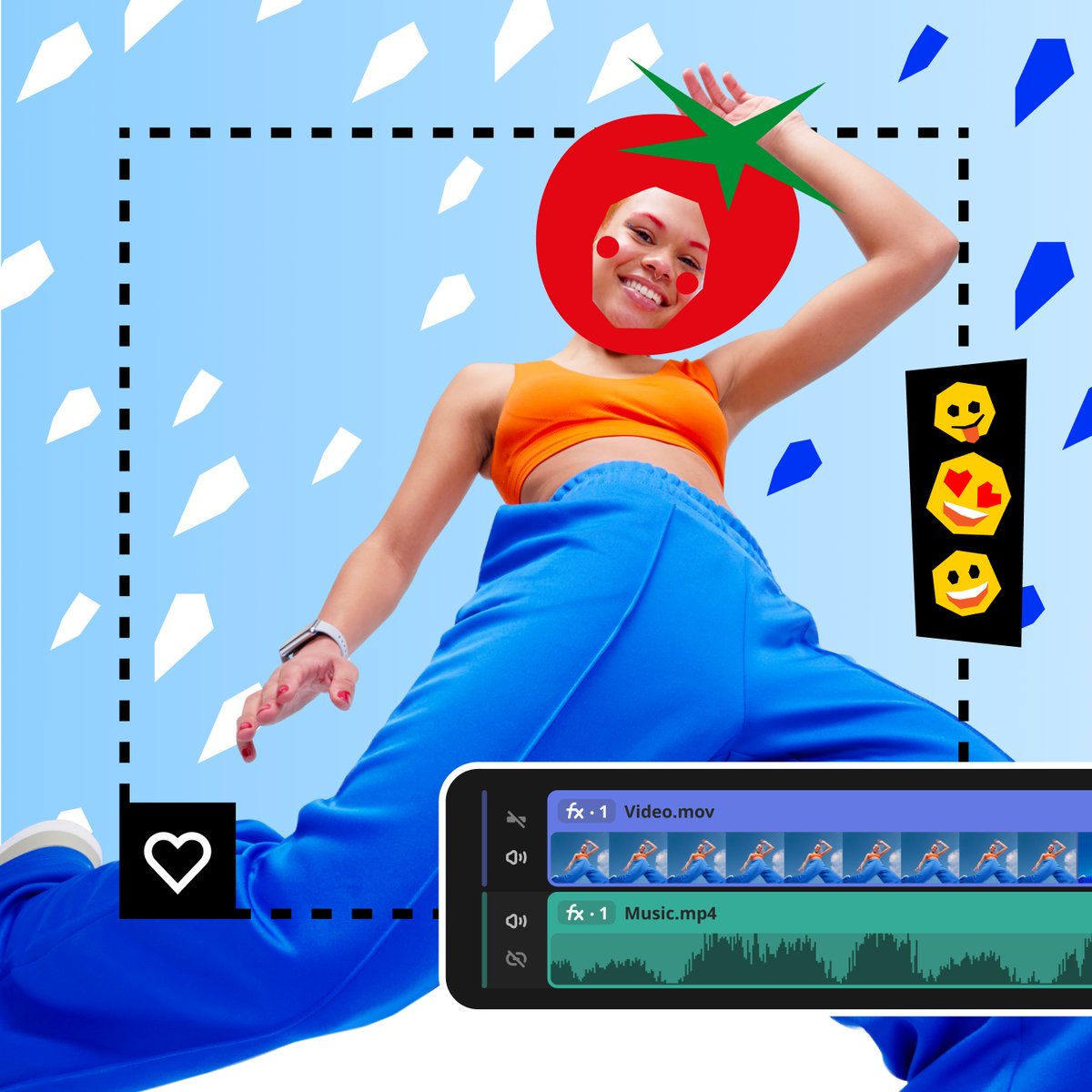
Edit with ease on a clear, streamlined timeline. Get your projects done faster and have more fun with anything – from short videos for socials to longer family movies. Give your videos a sharper look with the Blade tool – easily make precise cuts and create stunning montages.
AI Background Removal & Motion Tracking
Forget shooting against a green screen. Our built-in AI will quickly remove a background from any video that has a person in front of the camera: vlogs, reviews, presentations, and more. Enhance reality in your videos with additional moving graphics – just click, and AI will quickly attach any photos, videos, emojis, or memes to objects in your footage.
Special Effects, Transitions & Titles
Give your edits a new feeling of reality with fire, lightning, and other ready-to-use animated overlays. Easily create a seamless story from multiple clips – choose from hundreds of simple or creative fades, add them in a single click. Make your words pop with animated title presets. Each overlay effect has 13 blending modes to choose from.
Audio & Color Tools
Automatically remove car, wind, and other uncool sounds from your clips with our AI-driven audio denoiser. Make your videos more immersive with high-quality sounds. Choose from 150+ music tracks. Get next-level color correction with ready-made presets or fine-tune with the handy manual settings.
New Features
Silence removal – in a click. Cut out unwanted pauses automatically or fine-tune the pause length and volume threshold yourself. Show more in less time with video speed control up to 100x. Speed up your workflow with previews on hover. Copy effects, color tweaks, and audio settings from one clip to another in seconds. Save your auto-generated subtitles as an SRT file.
SYSTEM REQUIREMENTS
ELIGIBILITY
RELATED PRODUCTS
View All