Movavi Video Suite 2026
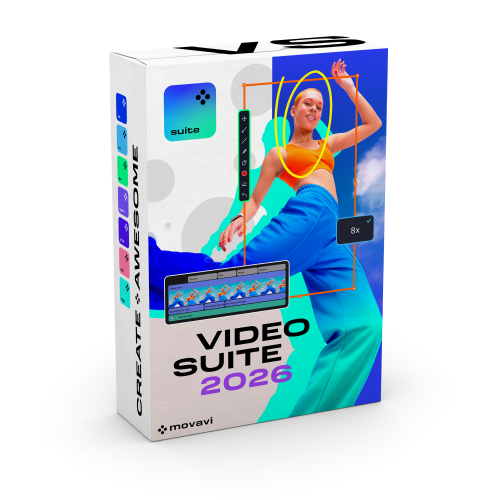
Movavi Video Suite 2026
- Students,
- Faculty,
- Staff
DESCRIPTION
Your do-it-all video-making bundle: a video editor, media converter, screen recorder, and more. Make every video project a breeze, whether it's a montage of your last trip, a video presentation for your colleagues, or even a digital family archive! Edit videos on a handy timeline, add auto subtitles in a click, record your screen with audio, and convert media files at incredible speeds. Level up your videos with AI and easily create projects you'll be proud of.
Video Editing
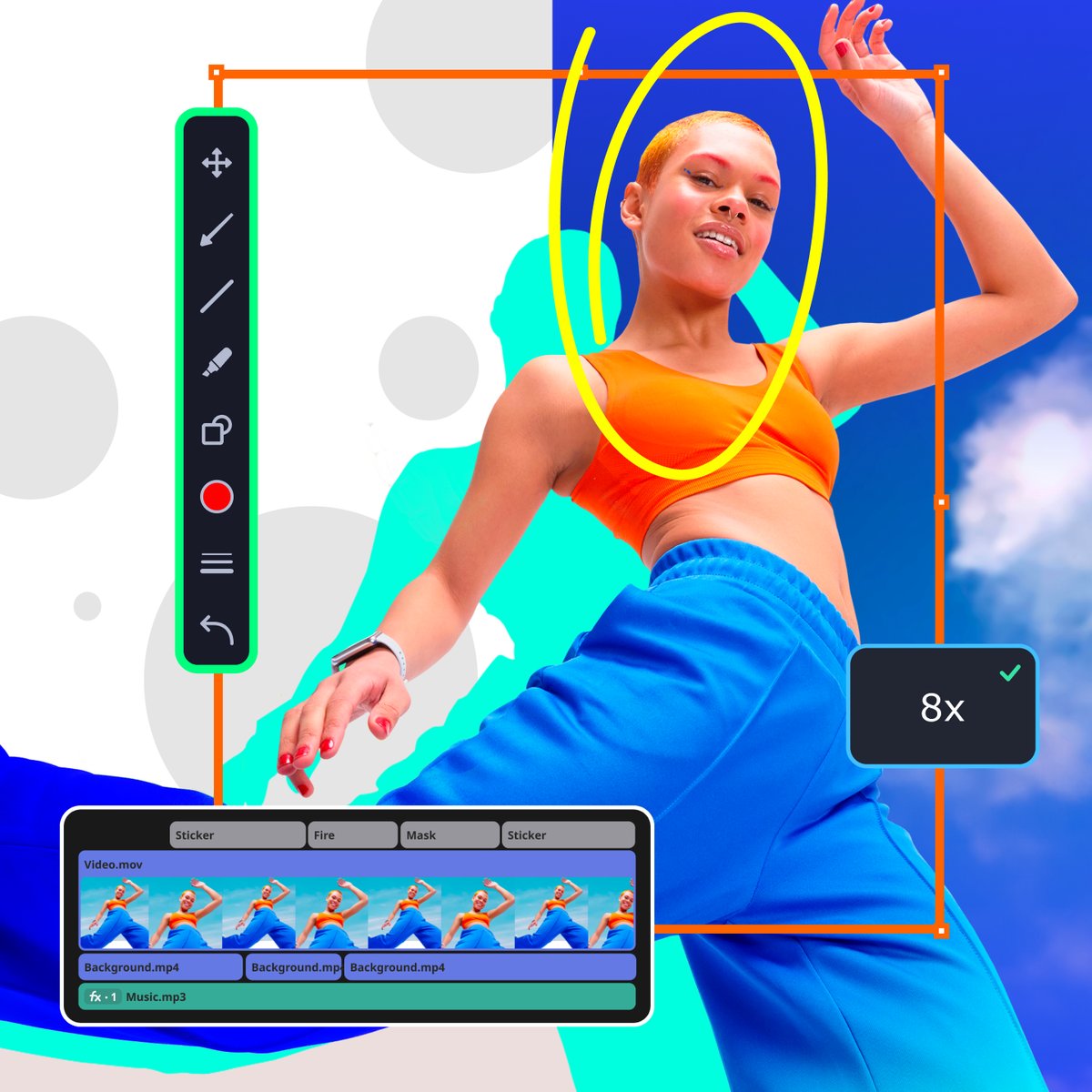
Edit with ease on a clear, streamlined timeline. Give your videos a sharper look with the Blade tool. Forget shooting against a green screen – built-in AI will quickly remove a background from any video. Enhance reality with AI motion tracking. Give your edits a new feeling of reality with fire, lightning, and other ready-to-use animated overlays. Choose from hundreds of simple or creative fades, add them in a single click.
Screen Recording
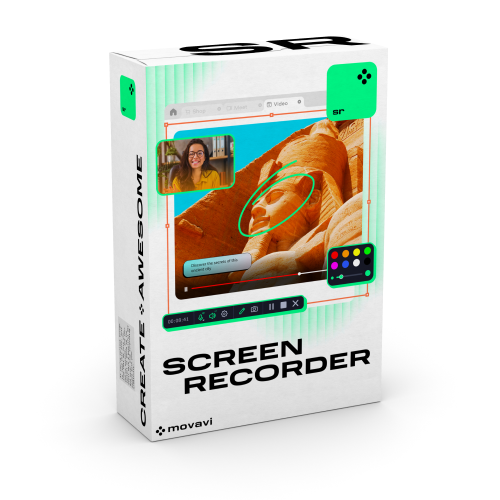
Effortlessly capture screens to never miss a single thing. Select full-screen or custom area recording and grab online calls, webinars, video lessons, and more. Highlight your mouse cursor, clicks, and keystrokes so viewers can easily follow along. Add a personal touch to your recordings with webcam capture. Draw on the video during capture to stress key points.
File Conversion
Convert video, audio, and image files at incredible speeds. Choose from 180+ popular formats to prepare your files for uploading online or playback on any device. Compress heavy videos and specify a custom output size. Use the power of AI to boost the resolution of your videos up to 8 times.
New Features
Silence removal – in a click. Cut out unwanted pauses automatically or fine-tune the pause length and volume threshold yourself. Show more in less time with video speed control up to 100x. Speed up your workflow with previews on hover. Copy effects, color tweaks, and audio settings from one clip to another in seconds. Save your auto-generated subtitles as an SRT file.
SYSTEM REQUIREMENTS
ELIGIBILITY
RELATED PRODUCTS
View All