Movavi Academic 2025
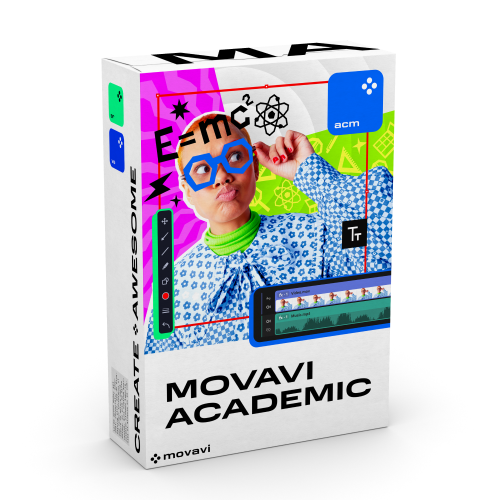
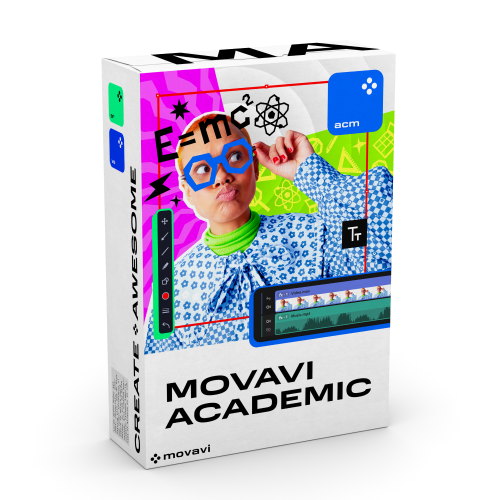
Movavi Academic 2025
- Students,
- Faculty,
- Staff
DESCRIPTION
Movavi Academic is a valuable tool for teachers, students, and educational administrators. It will help you easily enrich teaching and learning experiences at your institution.
Check out what Movavi Academic can do:
- Record screens: grab full screen or a program window, even capture your webcam
- Record audio
- Edit videos and audio
- Create interactive quizzes
- Apply educationally relevant effects
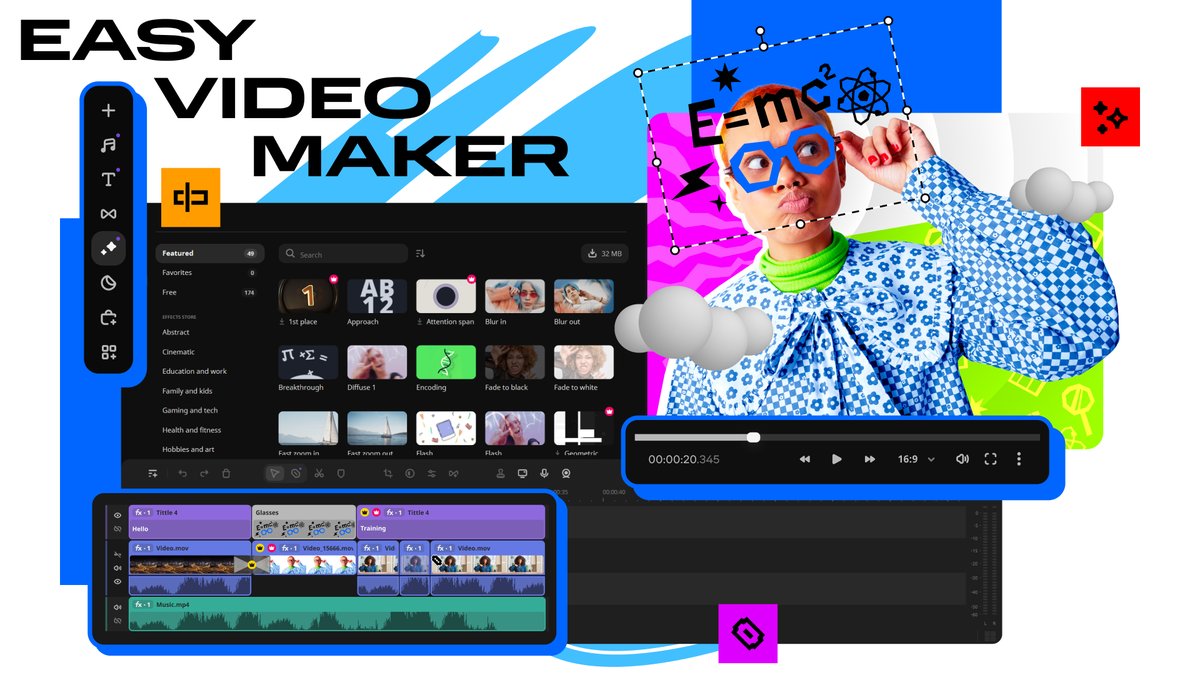 |
Easy Video MakerCreate and edit educational videos in a couple of clicks: crop and rotate clips, delete unwanted elements, and link slides with transitions. Create animated intros and final credits. |
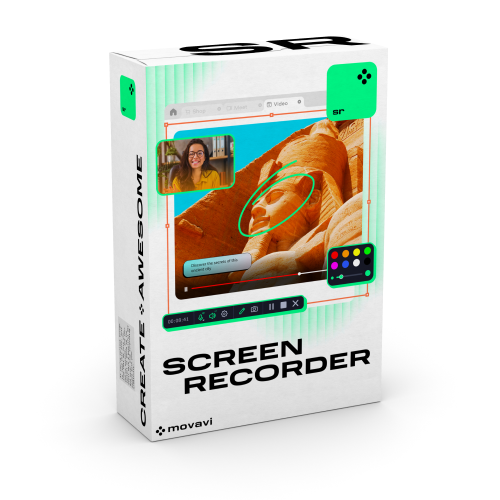
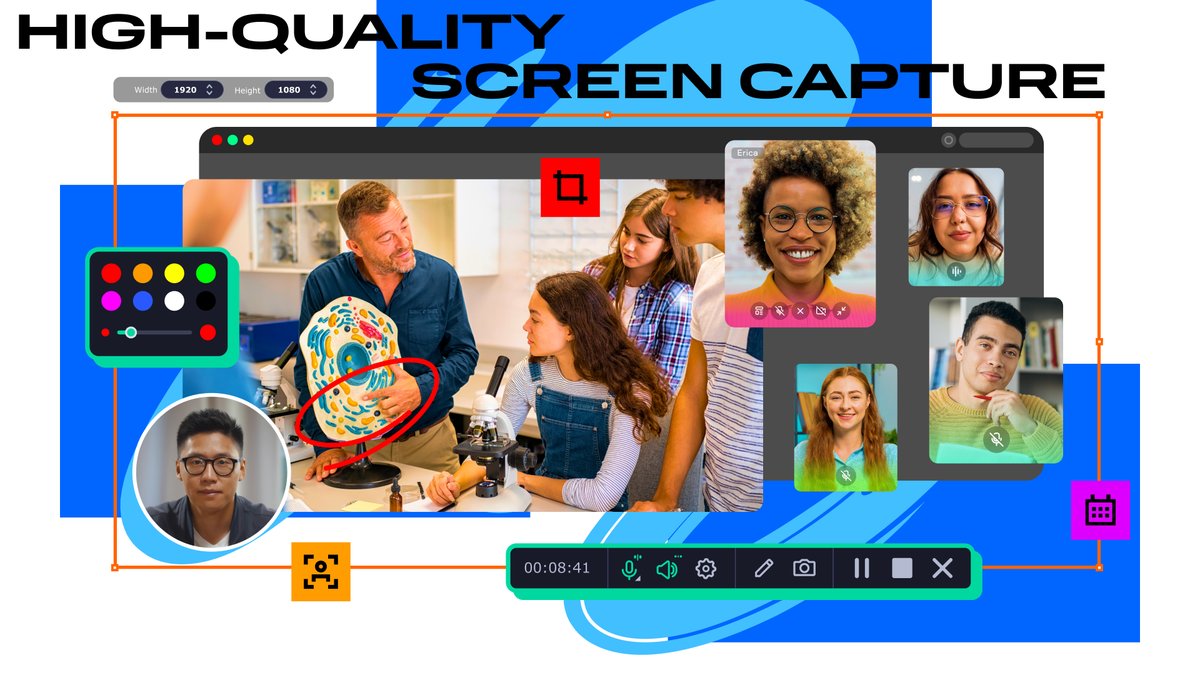
High-Quality Screen CaptureRecord the full screen, just a part of the screen, or a program window. Add explanatory captions and symbols to your recordings. Grab webcam footage and record voice-overs. Include mouse actions and keystrokes. Set a recording schedule for months ahead. |
 |
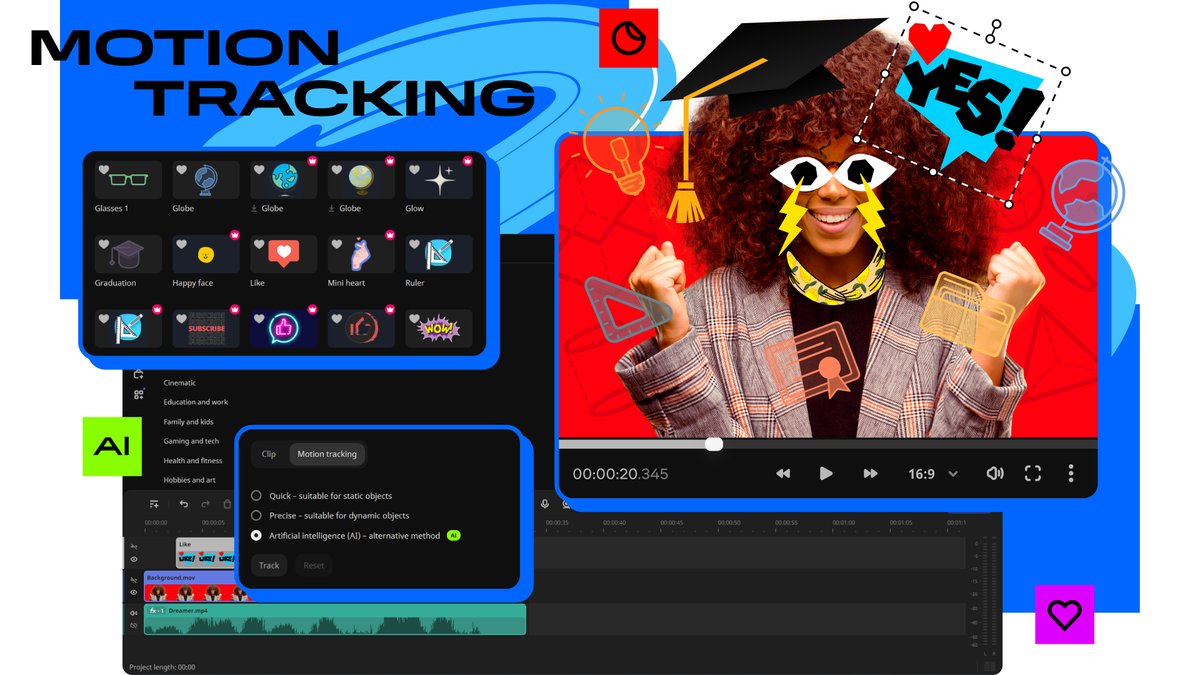 |
Motion TrackingEnhance reality in your videos with additional moving graphics. Just click, and AI will quickly attach any photos, videos, emojis, or memes to objects in your footage. Change video backgrounds with the AI-driven chroma key. |
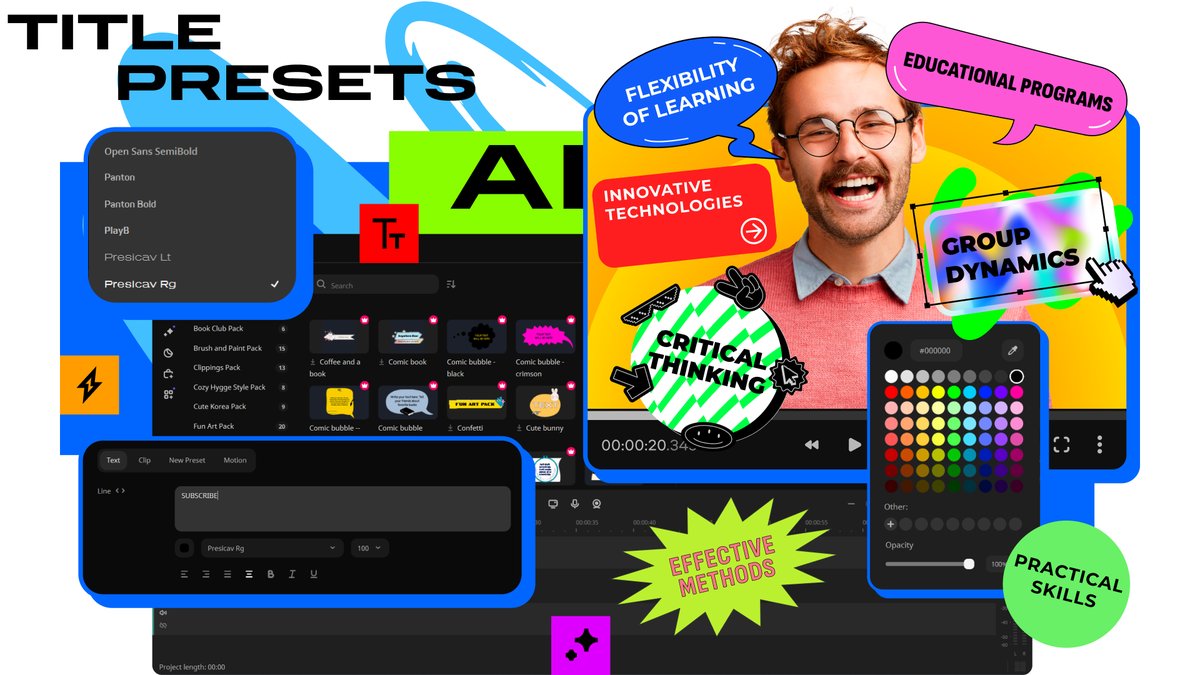
Title PresetsAdd colorful filters and effects, apply stickers, and insert titles. Experiment with new titles, stickers, transitions, overlays, and backgrounds to engage your students. |
 |
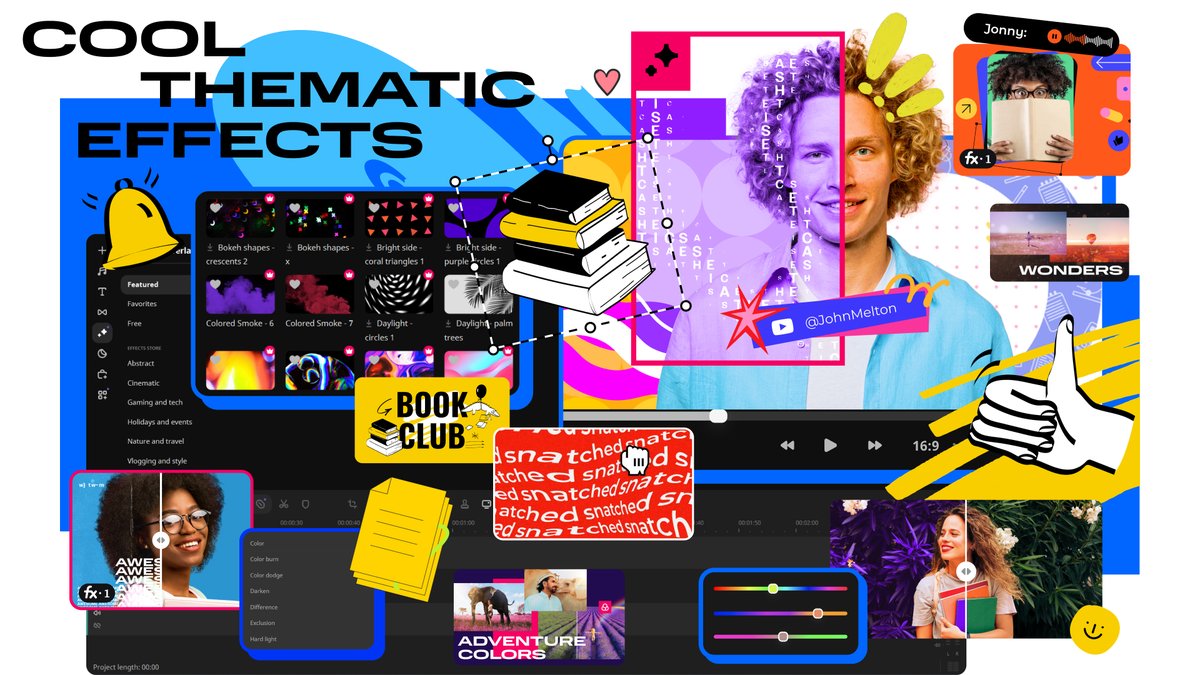 |
Cool Thematic EffectsCreate awesome videos in any style with a huge collection of professionally designed effects. Each overlay effect has 13 blending modes to choose from – try each of them with the press of a button and pick the one that fits your video perfectly. |
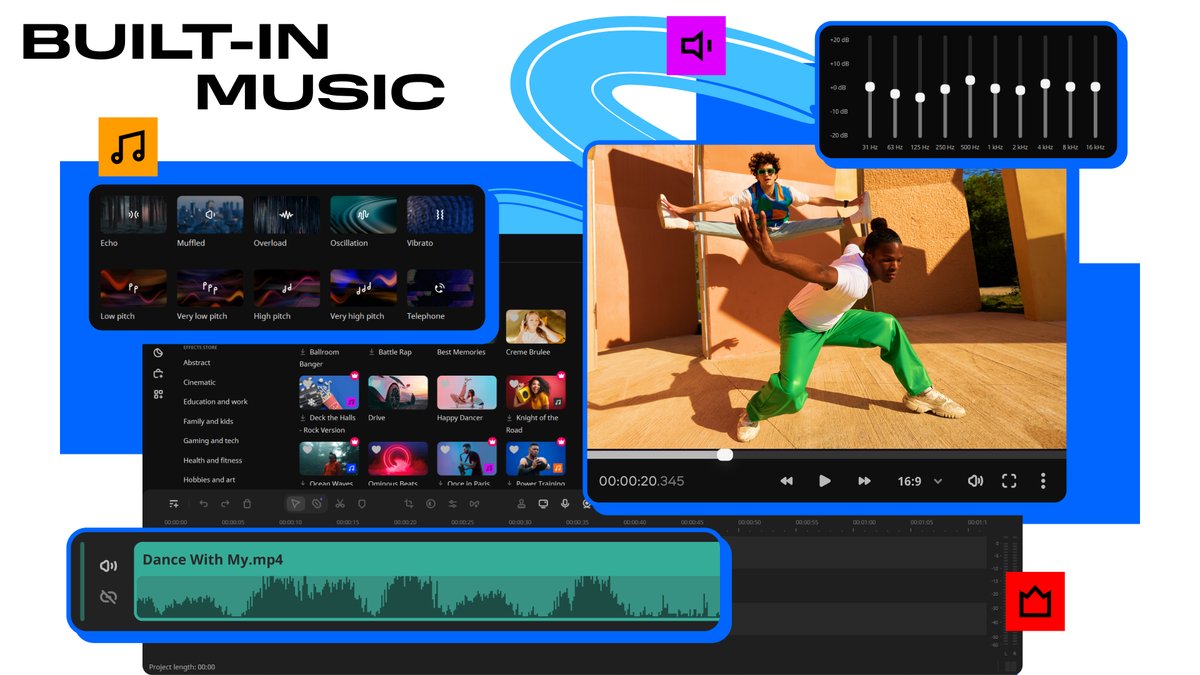
Built-In Music and SoundsChoose background music to complement your lessons. Adjust audio: normalize sound with the equalizer, add audio effects, and even distort your voice. |
 |
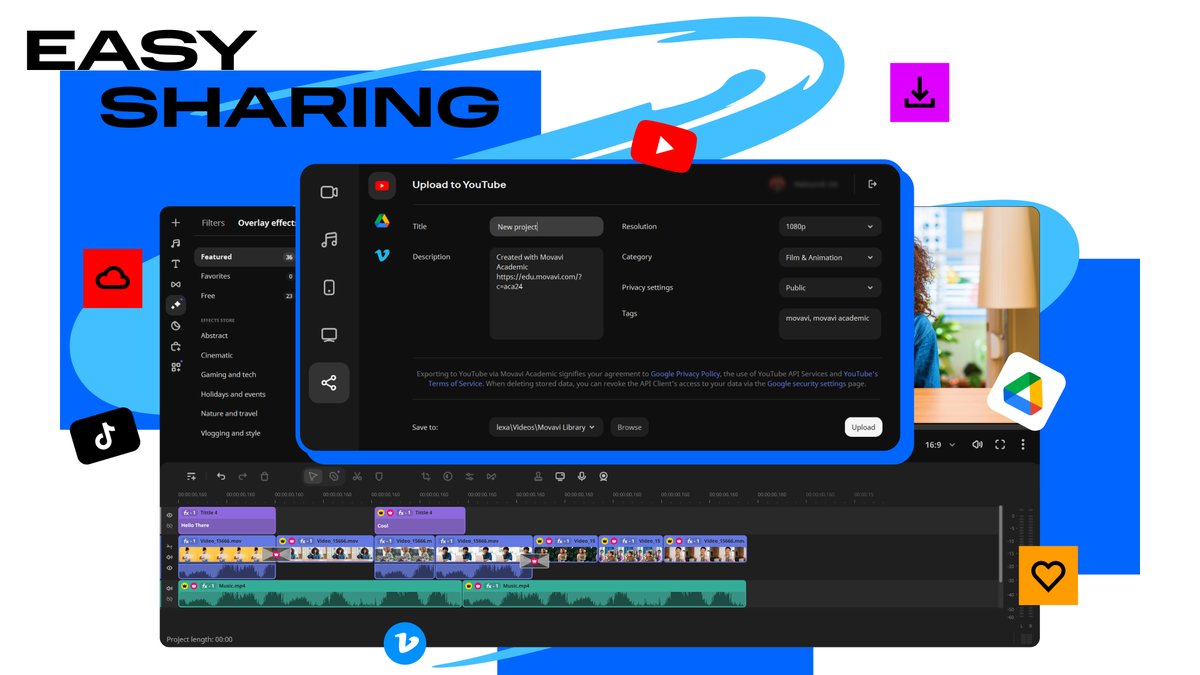 |
Easy SharingShare your finished videos to promote your institution, deliver distance learning, or distribute student assignments. |
For Students
With Movavi Academic, you can create clips and presentations, and record screencasts for homework assignments. In screen recording mode, you can save online lessons to review later and record program activities to create instructions. Start with the basic features and move on to advanced tools, like Chroma Key or Stop Motion. The program will help you develop your video-editing skills, so you can even participate in video-editing contests and film festivals.
For Teachers
Record video lessons to explain new topics and help students work together. Video-editing technologies will help you deliver distance learning and connect with remote students no matter where they are. For online lessons, you can record screencasts and turn your webcam on to personalize your educational materials. You can also use Movavi Academic to engage your students with smart digital tools: try dynamic transitions between slides, apply stickers, and insert colorful filters. You can create interactive quizzes to make the learning process even more engaging.
For Educational Administrators
Movavi Academic will help you promote your institution – for example, through marketing videos.
SYSTEM REQUIREMENTS
ELIGIBILITY
RELATED PRODUCTS
View All