Movavi Screen Recorder 2025
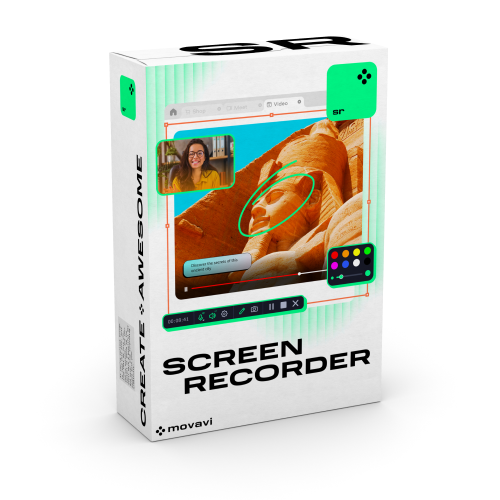
Movavi Screen Recorder 2025
- Students,
- Faculty,
- Staff
DESCRIPTION
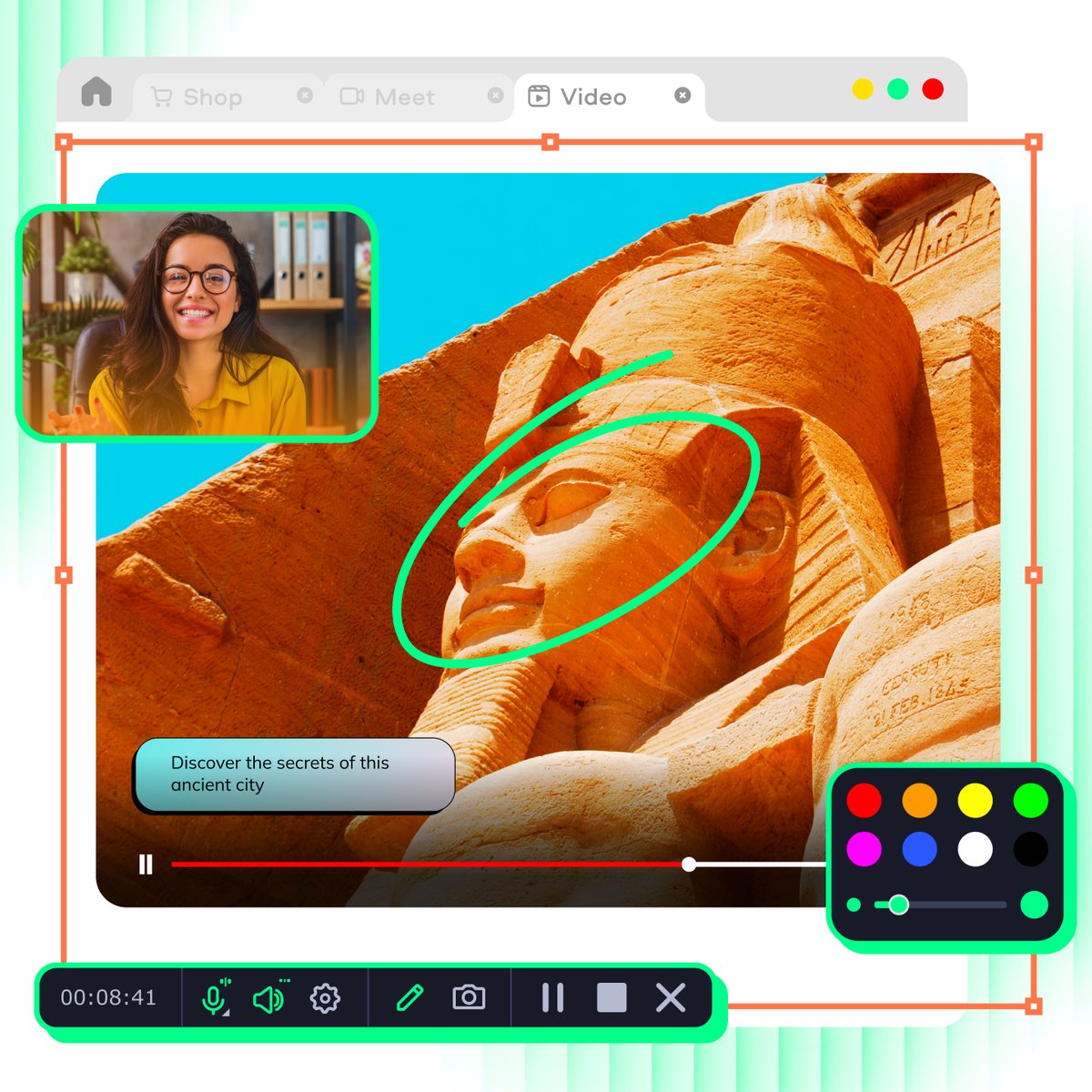
Your hassle-free screen capture tool for more efficient projects. Effortlessly capture screens and the attention of your viewers. Create engaging video lessons, make killer presentations and software demos, record super-clear tutorials for your colleagues, capture must-attend webinars. Make your screencasts extra informative: highlight mouse and keyboard clicks, draw on videos in real time, and add a webcam to show who the hero is.
One-Click Screen Recording
Effortlessly capture screens to never miss a single thing. Select full-screen or custom area recording and grab online calls, webinars, video lessons, and more.
Keystrokes, Cursor & Webcam
Make your screencasts super informative. Highlight your mouse cursor, clicks, and keystrokes so viewers can easily follow along. Add a personal touch to your recordings by overlaying your screencast with a webcam video to show who the real hero is.
Easy Audio Recording
Capture sounds from your computer or microphone separately from the screen recording. Grab audio calls easily and make video lessons or tutorials even more useful with additional voice comments.
Real-Time Drawing on Videos
Engage the audience more by drawing on the video during capture. Easily stress key points and improve the clarity of your communications.
Screenshots That Go a Long Way
Capture scrolling screenshots in a single click to include content that doesn't fit on one screen. Draw on images right away to highlight key points.
Scheduled Recording That's Always on Time
Record must-see webinars or streams even if you're away from the computer. Just choose the date and time for the video capture to start and finish.
SYSTEM REQUIREMENTS
ELIGIBILITY
RELATED PRODUCTS
View All