
PDF Reader Pro for Mac
PDF Reader Pro for Mac
Starts From:
Old Price: $59.99
Current Price: $74.99
Save -$15.00
Available For:
- Students,
- Faculty,
- Staff
Disclaimer
It is possible that, at checkout, one or more of the prices offered for customer groups will not be available to you, based on your demonstrated eligibility.
DESCRIPTION
Features
-
READ
- Reading modes - Multi-tab viewing, full-screen, page-fit, horizontal or vertical orientation, auto scroll, Night mode
- Presentation - Slideshow Mode to present your PDF as PPT
- Create, Edit and Search outlines to easily navigate through the whole file
- Bookmark specific pages or sections of PDFs
-
ANNOTATE
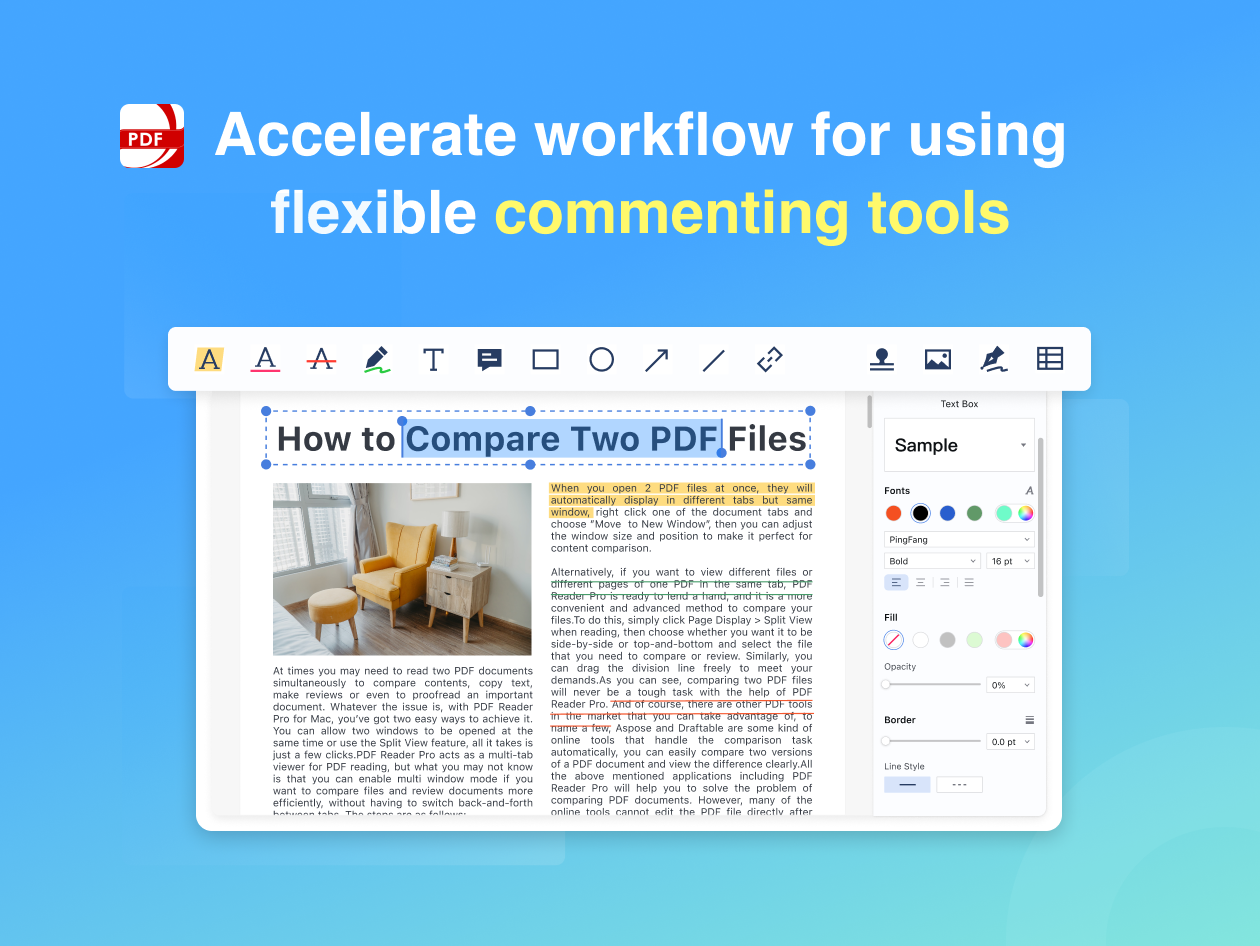
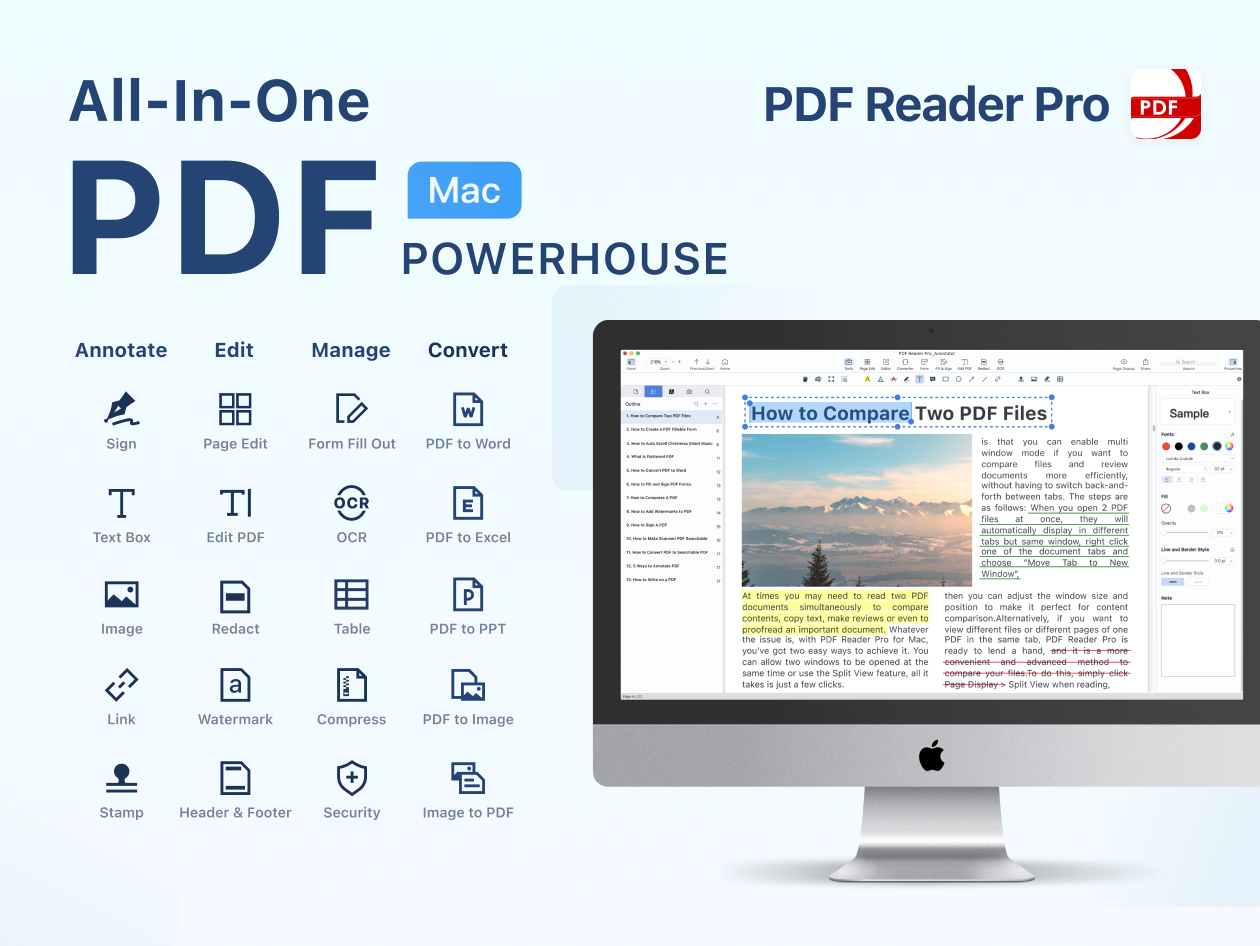
- Classic tools - Annotate and markup PDF with highlight, underline, strikethrough, freehand, text box, anchored note, shape and etc
- Continuous Annotations - Add Comments Continuously
- Sign - Create multiple signatures for any situations with trackpad, keyboard or images
- Stamps - Customize your PDF with custom, image and dynamic stamps
- Link - Add hyperlinks to redirect other destinations, and edit your links as you like
- Table - A table consists of rows and columns of cells. You can add header and footer rows when you create the table
-
PDF Editor
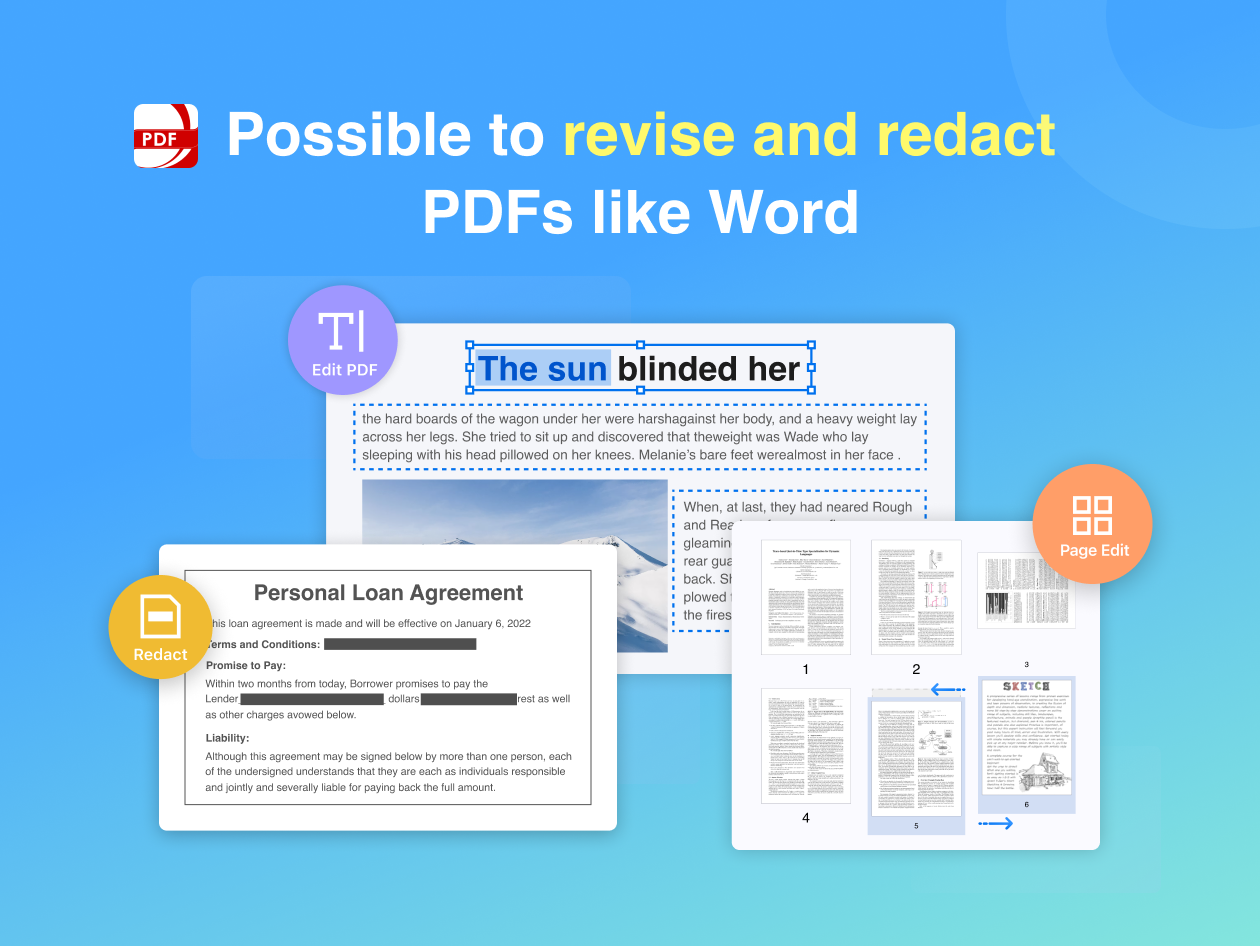
- Edit PDF files including adding, deleting, moving, or modifying text. Change font attributes (size and style)
- Redact PDF - Remove or black out private and sensitive information permanently with the redaction feature
-
Fill FORMS
- Create & Edit Forms. Create fillable PDF Forms from interactive field objects, such as buttons, check boxes and list boxes. Support to align and distribute form objects
- Fill out any PDF forms. Work with static PDF forms created in Adobe Acrobat
- Fill & Sign. Fill and sign PDF form
-
PAGE EDITOR
- Merge & Split - Split files into multiple files or combine multiple pages into a new single, searchable PDF
- Extract - Extract the desired pages to create a new PDF
- Append - Insert another file into the existing file
- Rotate, delete, replace, and crop pages
-
PAGE EDITOR
- Watermark - Add fantastic watermarks to keep your files safe and professional
- Header & Footer - Label each page of your PDF document with fully customized page numbers
- Bates number - Identify and retrieve information from your legal documents. Add a unique prefix or suffix which can be a set number, case number, firm name or date
- Background - Change the background (color or image) of the PDFs to comfort your eyes after long-time reading
- Flatten - Flatten PDF to make the contents static
- Booklet - Booklet puts your pages side by side re-sorted for booklet printing, no matter what printer you have
- Poster - Poster divides large PDF page(s) into multiple smaller Pages
- Multiple - You can print more than one page of a PDF on a single sheet of paper
-
SECURE FILES
- You can also password protect sensitive documents and authorization to edit, copy, modify or print PDFs
-
COMPRESS
- Reduce PDF size to make your documents much lighter
-
LISTEN (Text-to-Speech)
- Ever feel tired of reading large files? Try Text-to-Speech (TTS). 50+ languages supported!
SYSTEM REQUIREMENTS
ELIGIBILITY
RELATED PRODUCTS
View All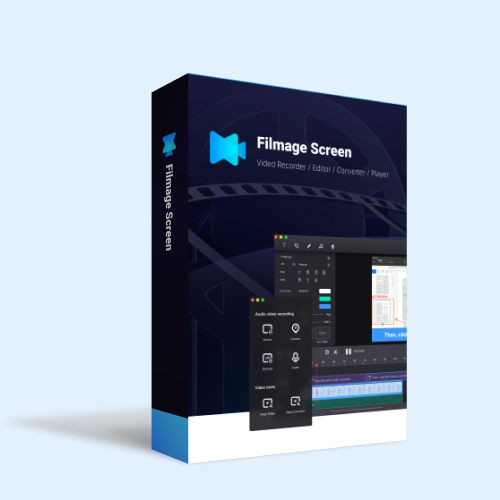
Filmage Screen
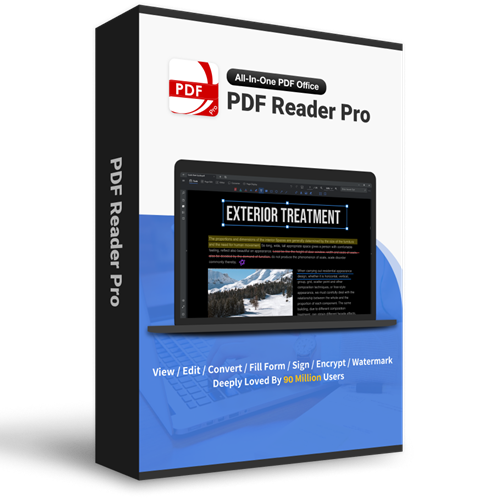
PDF Reader Pro for Windows