Easily Switch from PC to Mac
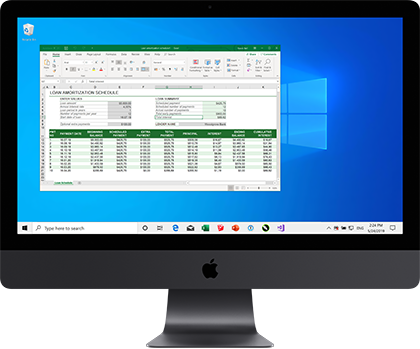
Run thousands of Windows apps like Microsoft Office, Access, Quicken, QuickBooks, Visual Studio, even graphic-intensive games and CAD programs without rebooting or compromising on performance.
Seemless
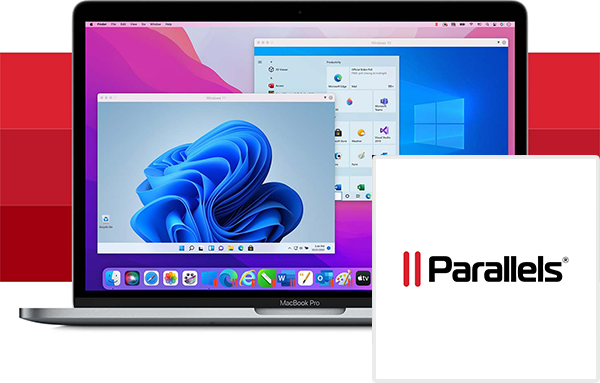
Seamlessly use Windows side-by-side with macOS on your MacBook, MacBook Pro, iMac, iMac Pro, Mac Mini, or Mac Pro – no restarting required.
Easy Setup
Parallels automatically detects what you need to get started so you can get up and running within minutes!
Lightning Fast
Run resource-hungry Windows applications effortlessly without slowing down your Mac. Play your favorite classic Windows-only games on a Mac.
Choose Your View
You can set Windows to occupy your entire screen or make it invisible while still using its applications with CoherenceTM Mode.
Easy Setup
Download and install Windows 10 with just one click.
Always Updated
Free upgrades to keep up with macOS, Windows, and Linux changes.
Stay Synced
Parallels Access lets you access your computer and files from anywhere.
Boost Performance
Parallels Toolbox helps you get your daily tasks done easily and quickly.

Perform Dozens of Essential Tasks on Your Mac
Included with Parallels Desktop for Mac, Parallels Toolbox for Mac provides dozens of one-click tools to help you perform daily tasks quickly and efficiently. Take screenshots, secure private files with a password, convert Facebook or YouTube videos, and much more. From Mac newcomers to the Mac Pro, everyone will enjoy this collection of well-designed tools and utilities.